Releases & DOIs
GitHub Releases: A snapshot for publication
release is a named snapshot of your repository at a point in time — typically tied to a paper submission or publication.
So far, Git has tracked every change you have made — but it will continue to do so even after publication! A paper needs to cite a specific, stable version earmarked on GitHub via a release.
Releases use semantic versioning: v MAJOR . MINOR . PATCH
v1.0.0— first stable, publication-ready versionv1.1.0— new features added after publicationv1.0.1— bug fix, no new features
v1.0.0 may be the only release you make!
DOIs are generated via a process called minting — a release becomes a permanent, citable version of your code when a DOI is minted, which is accompanied by a persistent archive of the codebase.
Zenodo: Making your code citable
Zenodo is an open research repository hosted by CERN. It will:
- Archive a permanent copy of your code
- Issue a
DOIthat can be cited - Index your work so others can find it more readily
- Track metrics like views and citations
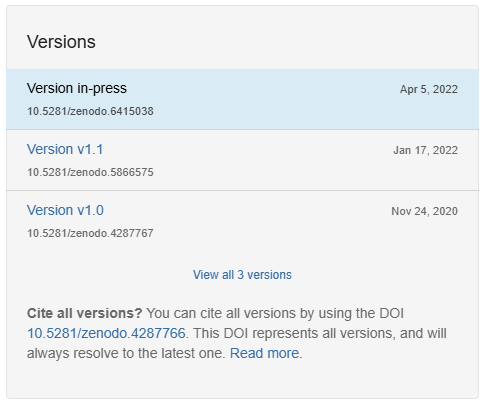
GitHub & Zenodo: Workflow
- Go to zenodo.org and sign in
- Navigate to your account → GitHub
- Find your repository in the list and toggle it on
- Go to your repository on GitHub and create a new Release (tag:
v1.0.0) - Return to Zenodo — your DOI will appear within a few minutes
In Practice
4.4 Change the visibility to public (Settings → General → Change repository visibility)
4.5 Link your GitHub account to zenodo and enable tracking of your repository
4.6 Create a v1.0.0 release — then watch Zenodo mint your DOI
4.7 Collect the DOI for the repository and add it to the .qmd file for the manuscript