import random
population = {'A', 'B', 'C', 'D'}Versioning & Dependencies
The software development life cycle
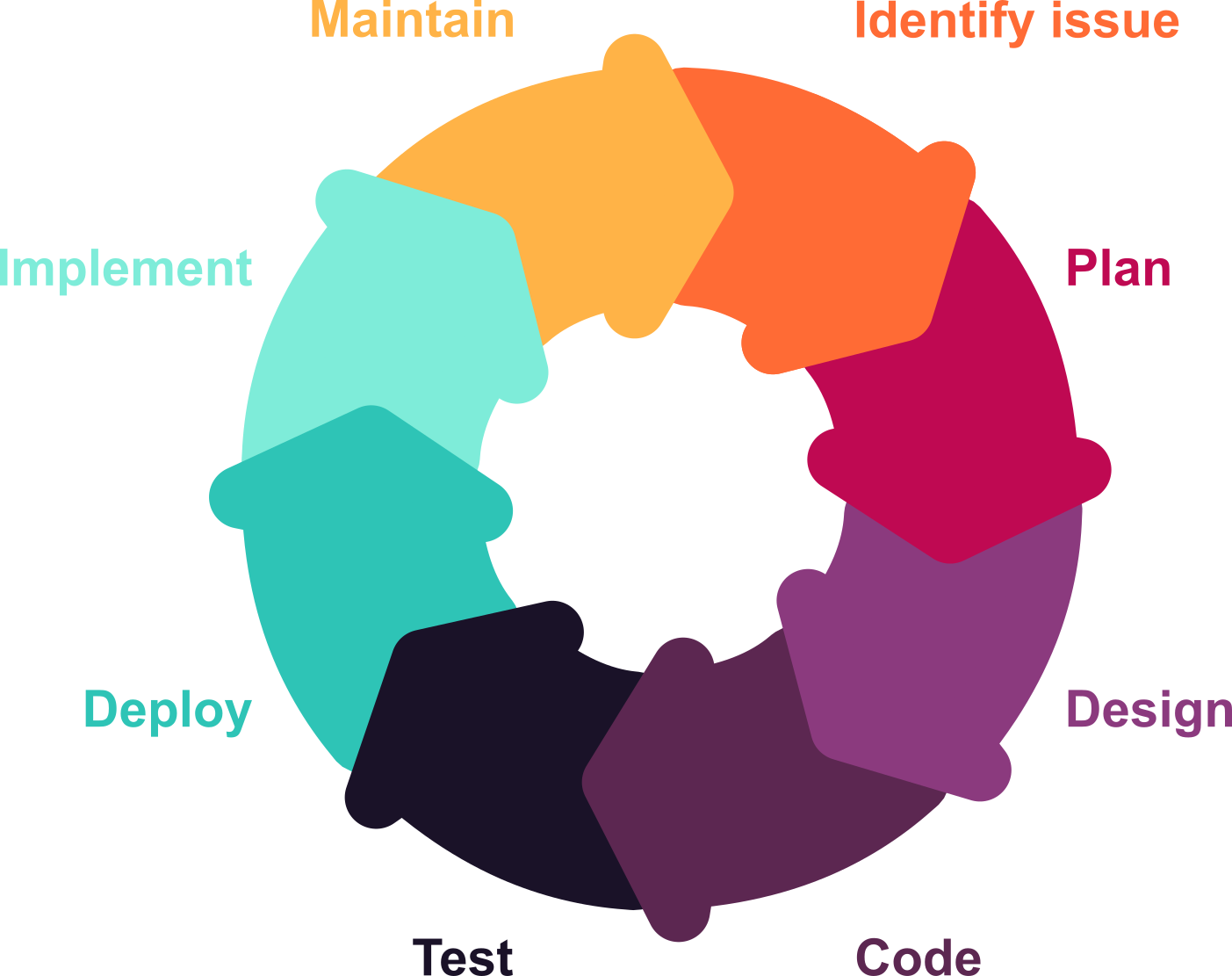
Software is not static!
Versions
Every part of the software you use is actively maintained. New features are added, bugs are fixed, and sometimes the way a function works changes entirely.

In Python 3.10 and earlier:
random.sample(population, 2)['B', 'A']The same code in Python 3.11+:
random.sample(population, 2)Traceback (most recent call last):
File "<string>", line 1, in <module>
NameError: name 'random' is not defined
df <- data.frame(
  group = c('A', 'A', 'B', 'B'),
  value = c(1, 2, 3, 4)
)
In R < 4.0:
class(df$group)[1] "factor"The same code in R 4.0+:
class(df$group)[1] "character"This is normal (and mostly great!) — but it means:
❌ Code written in 2024 may not behave the same way in 2026
❌ A script that worked last week may break after an update
❌ Two researchers running the “same” code may get different results
Dependencies: A software sandcastle
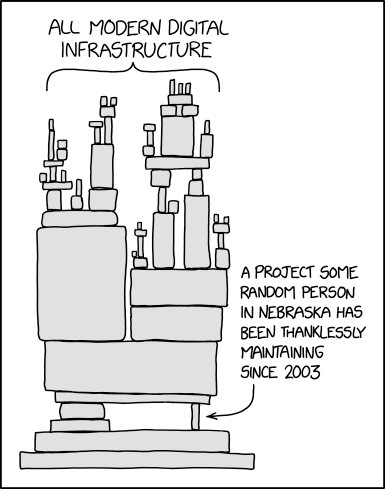
Source: XKCD
When you write code, you are almost never starting from scratch.
Your script depends on packages — and those packages depend on other packages.
The dependency chain is fragile.
How do I know?
There are built-in methods to check what versions of the language and packages you have installed.
In your script/notebook:
# Check your Python version:
import sys
print(sys.version)

# Check a package version:
import pandas as pd
print(pd.__version__)
In your terminal:
# List all installed packages:
pip list

# Package dependencies:
pip show pandas
In your console:
# Check your R version:
R.version.string

# Check a package version:
packageVersion("dplyr")
# List all installed packages:
installed.packages()[, c("Package", "Version")]
# Package dependencies:
tools::package_dependencies("dplyr")In practice
CautionExercises
Open your standard programming environment.
1.1 What version of your language (Python/R) are you running?
1.2 What version of pandas (Python) or dplyr (R) do you have installed?
1.3 What other packages do you use for your analysis?
1.4 Pick one package from your list — what are its dependencies?